
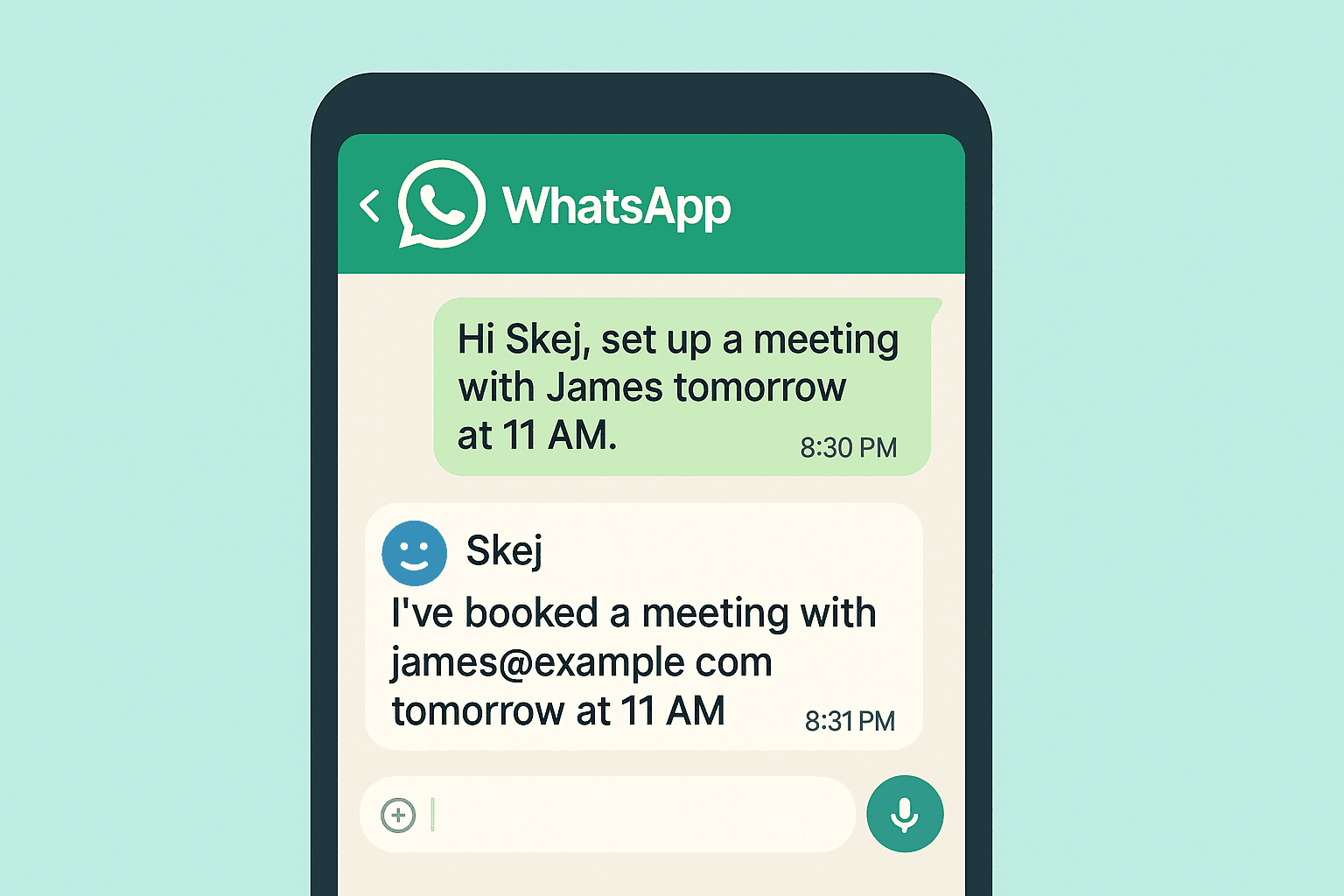
Your Skej Assistant Is Now on WhatsApp
Ever wish you had an assistant helping you stay organized throughout the day?
Someone who could tell you what’s on your schedule, handle the back-and-forth of booking meetings, block focus time on your calendar, relay messages when you're running late, and generally keep your day running smoothly.
Now you do.
Skej already gave you the power of a personal scheduling assistant for the price of a couple of lattes. And now, your Skej assistant is available directly on WhatsApp.
Why This Matters
Most scheduling tools force you to adapt to their workflow.
You log into dashboards, configure settings, manage booking links, and adjust calendar preferences across multiple screens.
But there’s a simpler way.
You say it. It happens.
With Skej on WhatsApp, you can manage your calendar the same way you message anyone else.
Getting Started
Setting up Skej on WhatsApp takes just a few minutes.
Connect your calendar, email, and phone number, then set a few basic preferences.
Once that’s done, Skej links everything together and you're ready to go.
There’s no new app to learn. If you know how to send a message on WhatsApp, you already know how to use Skej.
What It Feels Like to Use
Imagine you’re starting your workday and want to protect your afternoon.
You message your assistant on WhatsApp:
“Hey Skej, block 2–4pm today for deep work.”
Seconds later, the time is reserved in your calendar.
“Skej, cancel my 3pm meeting.”
Skej notifies the participants and updates your calendar automatically.
“Schedule a meeting with Zander tomorrow morning.”
Skej reaches out, coordinates the timing, and books the meeting.
All without leaving WhatsApp.
The Advantage of Conversational Scheduling
The biggest benefit is how natural it feels.
You’re not switching apps, opening dashboards, or searching through emails. You just send a message (or even a voice memo), and your AI scheduling assistant handles the rest.
Scheduling becomes something that happens in the background, not another task on your list.
A Calendar That Listens
If you already spend a lot of your day in WhatsApp, Skej fits right into that flow.
Instead of managing your calendar manually, you simply tell your assistant what you need.
Your calendar starts to feel less like a system you have to control — and more like something that quietly adapts to your day.
Your Skej assistant is ready.
Make scheduling easier with Skej
Skej handles the back-and-forth while you focus on what's important.
Start Scheduling for FreeFree trial · No credit card required