
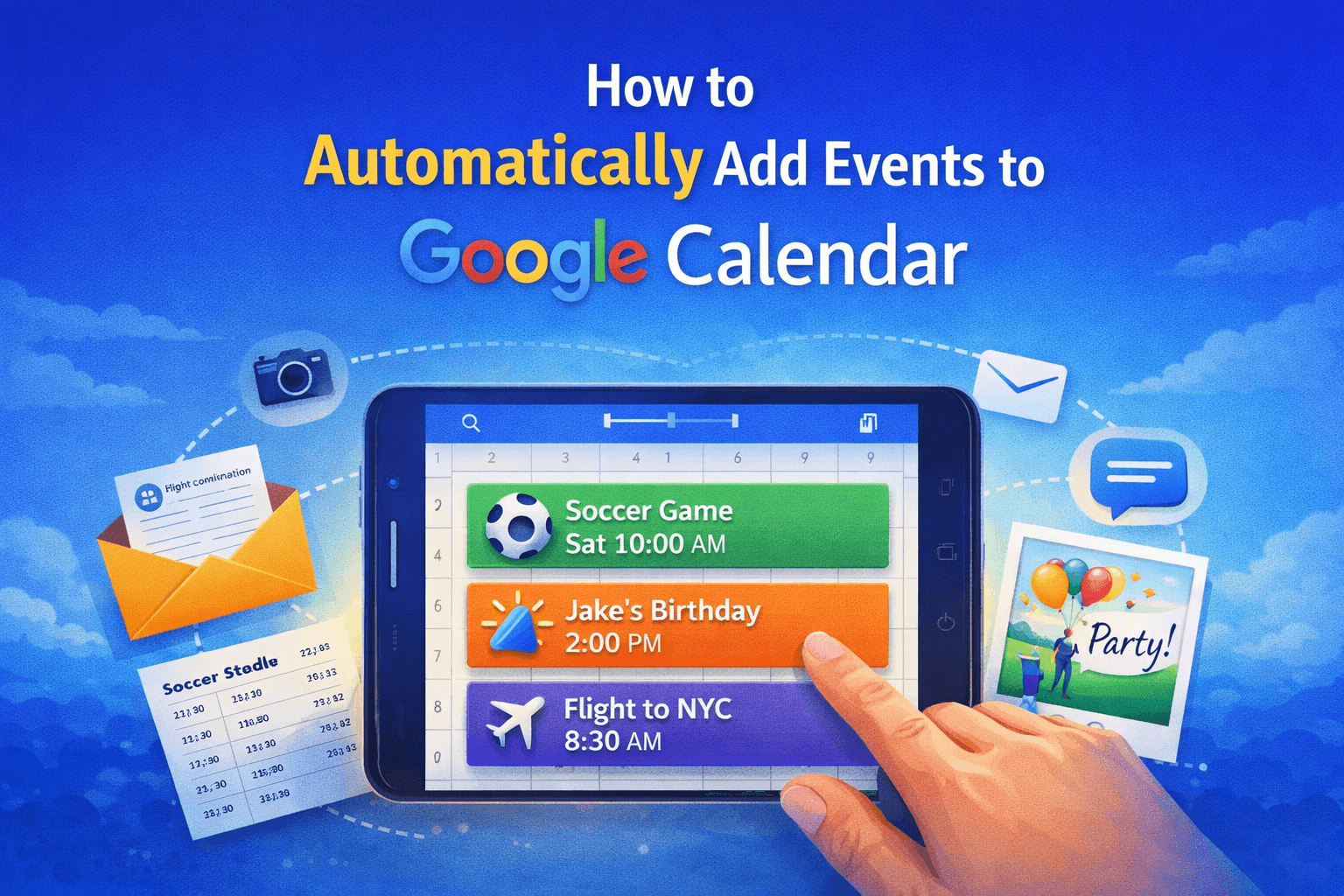
How to Automatically Add Events to Google Calendar
Google Calendar is one of the most widely used productivity tools in the world. Millions of people rely on it every day to track meetings, appointments, flights, school schedules, and personal events.
But there’s still one frustrating part of using Google Calendar: adding events manually.
Think about how often this happens. You receive a flight confirmation by email, a soccer schedule in a text message, or a birthday party invite in a group chat. In most cases, you still have to open your calendar, create a new event, copy the time, add the location, and double-check the details.
It’s a small task, but it happens dozens of times every month.
The good news is that there are now ways to automatically add events to Google Calendar that eliminate the manual work entirely.
Why Adding Events Manually Becomes a Problem
Manually creating calendar events might seem harmless, but over time it creates unnecessary friction.
First, it interrupts your workflow. You have to stop what you're doing, open Google Calendar, and input the details.
Second, it’s easy to make mistakes. Copying the wrong time or forgetting to include a location can cause confusion later.
And finally, it creates mental clutter. When events live in messages, emails, and screenshots instead of your calendar, you constantly worry about forgetting something.
The more information flows through your day, the harder it becomes to keep everything organized manually.
The Smarter Way: Automatically Add Events to Google Calendar
Instead of entering events yourself, modern tools can extract event details and create the calendar entry automatically.
These tools work by analyzing information from common sources like:
• Emails
• Text messages
• Screenshots
• Photos of schedules
• Chat messages
• Documents and invites
Once the tool detects a date, time, and event information, it can automatically create the calendar entry in Google Calendar.
This means your schedule stays up to date without any manual input.
Examples of Events You Can Add Automatically
Many everyday events can be added to your calendar automatically once the system understands the information.
For example:
Flight confirmations
When you receive a flight email, the system can extract the departure time, airport, and airline details and add the trip to your calendar.
School or sports schedules
Parents often receive full-season schedules for soccer games, practices, or school events. Instead of entering each game manually, the schedule can be imported and filtered automatically.
Birthday parties and social events
If someone sends a party invite in a group chat or text message, the event can be recognized and added instantly.
Conference schedules
Screenshots or PDFs of conference agendas can be converted into calendar events without manually recreating the schedule.
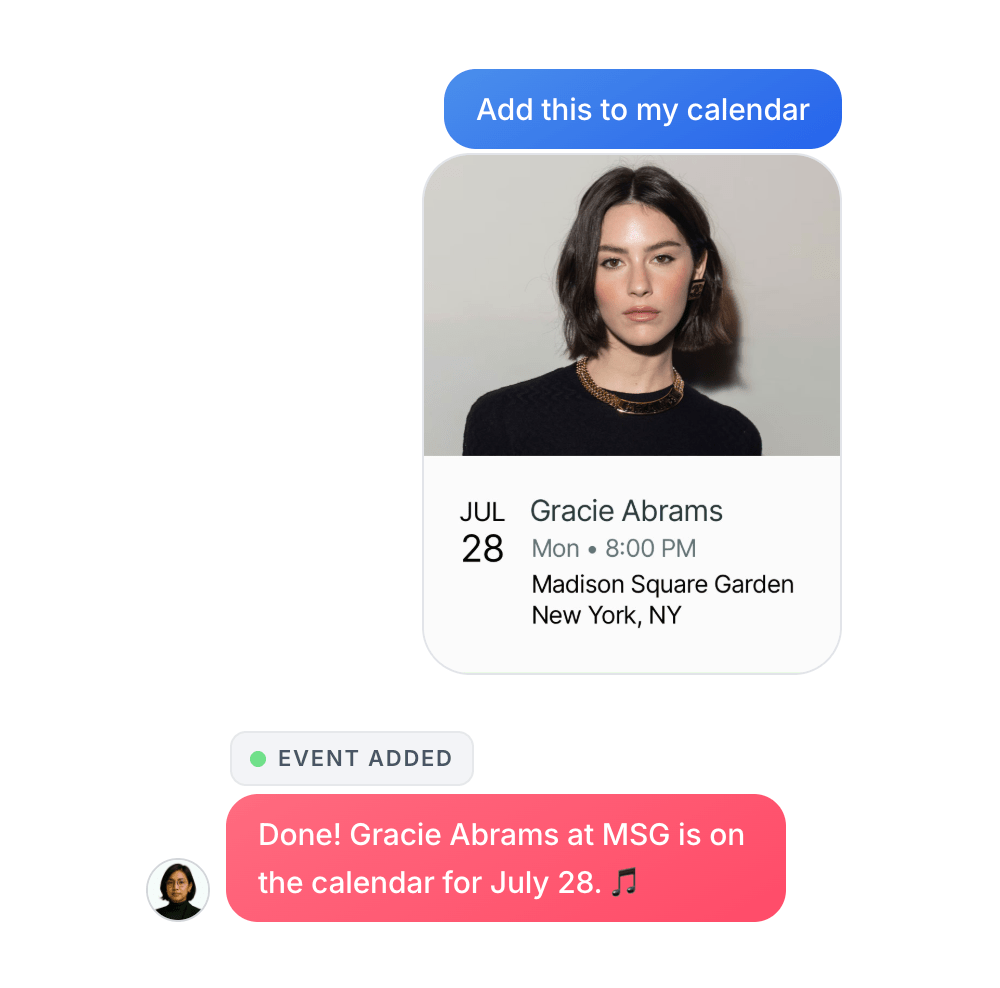
How Skej Automatically Adds Events to Google Calendar
Skej acts as an AI calendar assistant that connects directly to Google Calendar.
Instead of filling out forms or importing files, you simply send the information to your assistant and Skej handles the rest.
For example, you can send Skej:
• an email confirmation
• a screenshot of a schedule
• a photo of an event flyer
• a text message with event details
Skej reads the content, identifies the event information, and automatically creates the event in your Google Calendar.
There’s no manual entry required.
A Real Example
Imagine a parent receives a screenshot of their child’s soccer schedule in a group chat.
Instead of typing each game into Google Calendar, they can simply send the image to Skej and say:
“Add the Raptors games to my calendar.”
Skej reads the schedule, filters the correct team, and adds the events automatically.
In seconds, the entire schedule appears in Google Calendar.
Why Automation Makes Google Calendar More Powerful
Google Calendar is already a powerful tool, but when event creation becomes automatic, it becomes far more useful.
Instead of acting as a system you constantly maintain, it becomes a live reflection of your schedule.
Events appear automatically, reminders stay accurate, and your calendar stays organized without constant effort.
For busy professionals, families, and teams, this kind of automation removes dozens of small tasks every week.
Start Automatically Adding Events to Google Calendar
Manually entering events is one of the last remaining pieces of friction in calendar management.
With AI assistants like Skej, that step disappears.
You can turn emails, photos, messages, and screenshots into calendar events instantly, keeping your Google Calendar accurate without the extra work.
If you’re ready to stop typing events into your calendar one by one, you can try Skej for free and experience what it’s like to have an assistant handle it for you.
Make scheduling easier with Skej
Skej handles the back-and-forth while you focus on what's important.
Start Scheduling for FreeFree trial · No credit card required