
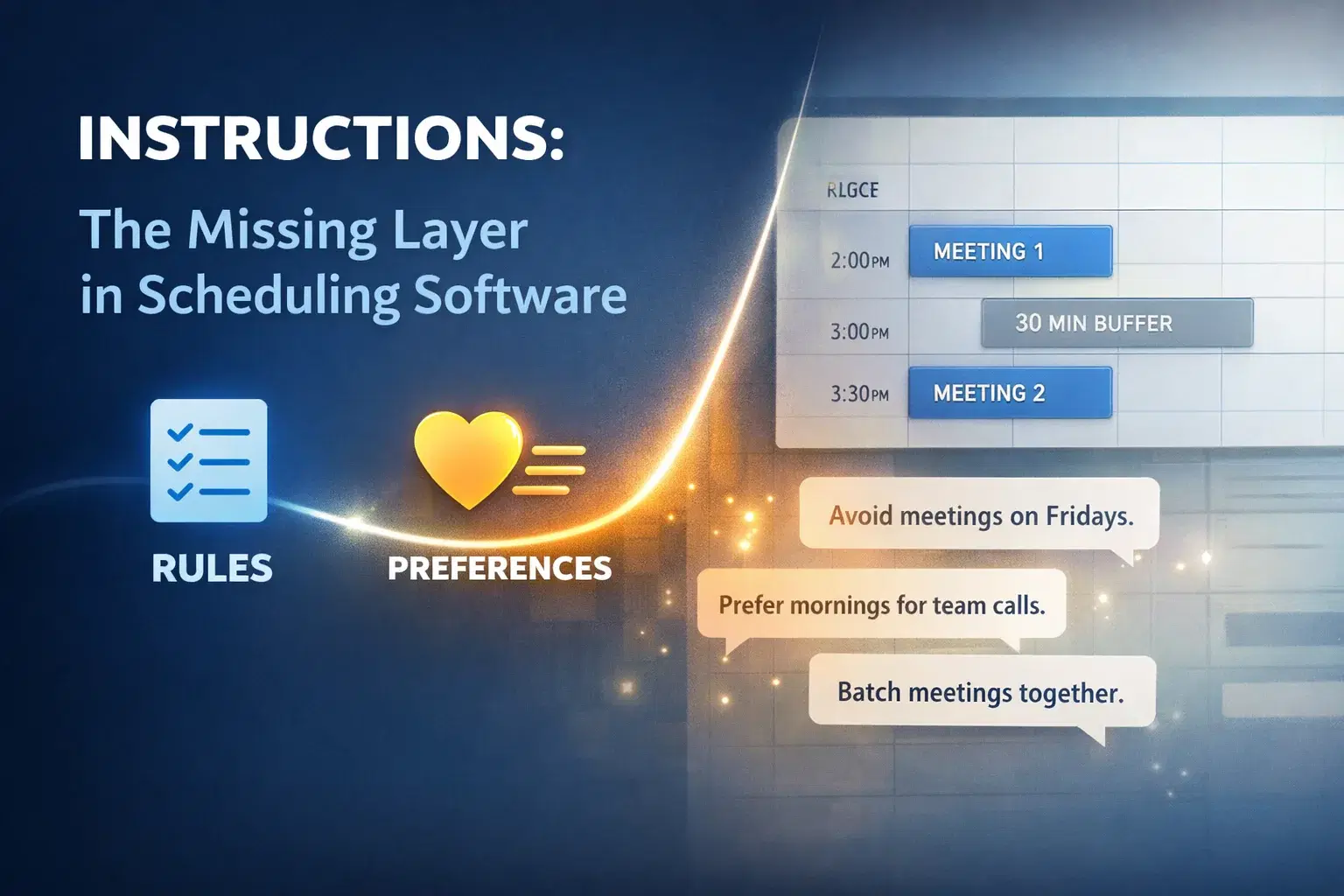
Instructions: The Missing Layer Between Rules and Preferences
Most traditional scheduling software understands rules.
Availability windows. Meeting caps. Buffers between events. Minimum notice requirements. Working hours.
These rules define the boundaries of your calendar and make automated scheduling possible.
But if you’ve ever worked with a great human assistant, you know that rules are only part of the story because human assistants don’t just follow rules, they understand preferences. Rules define what is possible while preferences guide what is ideal for the user.
This difference matters more than it might seem.
Until recently, most scheduling software simply hasn't been able to operate this way because it's non-deterministic. It could enforce set rules, but it couldn’t really understand the softer guidance, because that is something that was reserved for human judgement only.
We're changing that.
Introducing Instructions
Instructions allow you to give your AI assistant guidance in natural language so it can coordinate meetings in a way that better reflects how you actually work.
For example:
“Try not to schedule meetings on Fridays unless it’s the only time available.”
“Prefer mornings when meeting internally.”
“Batch meetings together when possible.”
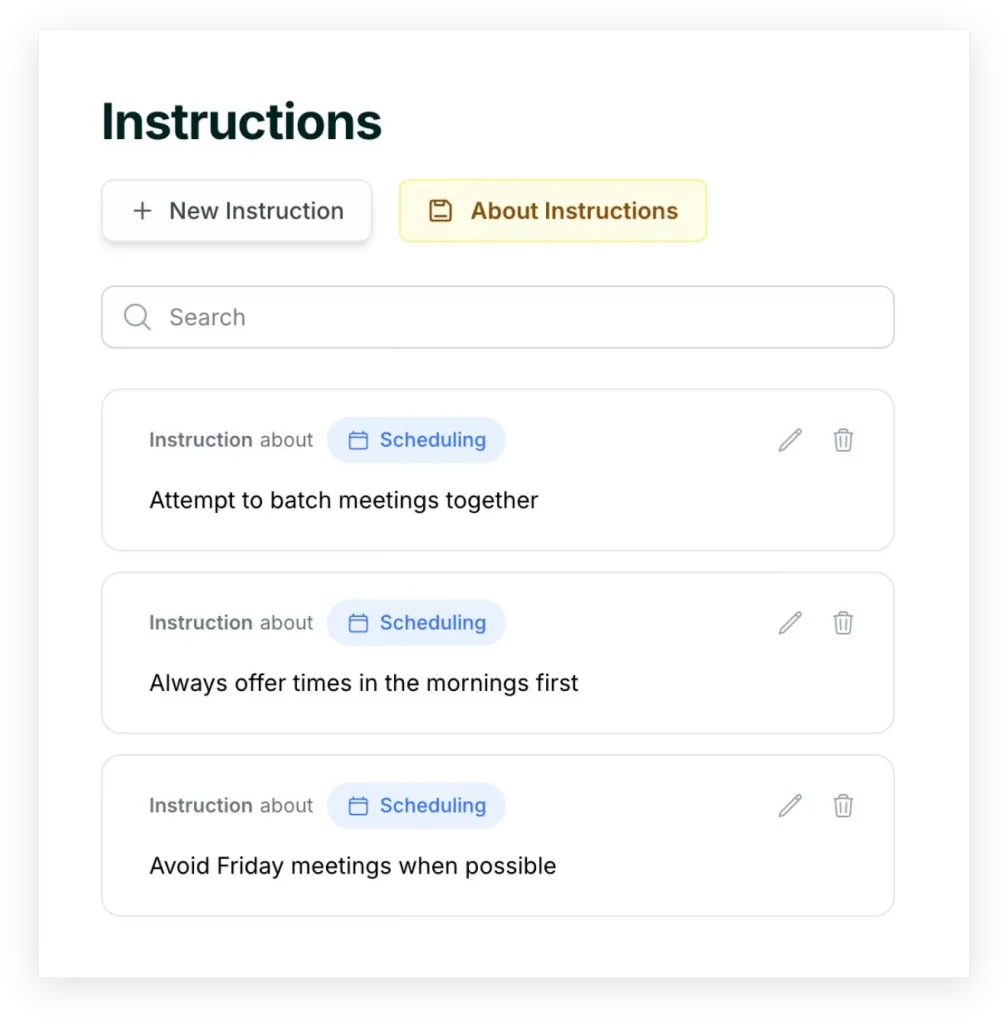
These are the kinds of things people naturally say to a human assistant, but you can't express to a traditional software system.
Importantly, Instructions don’t replace the core scheduling rules you already define in Skej.
Your availability windows, buffers, meeting caps, and other settings still define the hard constraints of your calendar, while instructions simply sit on top of that foundation.
They introduce nuance inside the system’s existing boundaries and help your assistant make better decisions within those limits. The goal isn’t to make scheduling less predictable, it’s to make it more representative.
From One-Off Overrides to Persistent Memories
Our AI assistants always allowed flexibility when coordinating individual meetings. If a particular situation required it, you could already tell your assistant to make an exception — offering times outside your usual window or adjusting how that specific meeting is coordinated.
These are situational overrides which applied to a single interaction.
What Instructions introduces are global persistent preferences. In other words, memories.
Instead of repeating the same guidance across many meetings, you can now define it once and allow your assistant to apply it automatically moving forward.
This is a new paradigm for AI assistants. It now can acquire memories about how you work, and improve itself over time as it learns more about you.
Over time, this starts to resemble something closer to how delegation works with a human assistant.
Preferences Change With Context
Not all preferences are permanent. Sometimes the way you want meetings handled changes depending on the situation.
You might be traveling, attending a conference, or temporarily be working in a different time zone. In these moments, your scheduling preferences shift. That’s why we also introduced temporary Instructions, which can be bound to a date range.
For example:
“I’m in London, so schedule meetings during GMT working hours.”
“Only book virtual meetings while I’m traveling.”
These instructions allow your assistant to adapt to your current context — just like a human assistant would.
What’s Coming Next
Instructions are just the beginning. The long-term goal isn’t simply to allow users to write guidance. It’s to allow the assistant to understand which guidance applies in which situations.
Two important extensions are already underway.
Contact-Specific Instructions
In real life, people often schedule differently depending on who the meeting is with.
Maybe certain contacts always meet for 30 minutes.
Maybe investor meetings always tend to happen on Thursdays.
Maybe internal collaborators are more flexible.
A human assistant naturally absorbs and applies these patterns. Future versions of Instructions will allow preferences to be defined for specific people or groups, enabling the assistant to adapt its coordination style depending on the relationship.
Scenario-Based Instructions
Preferences are also often tied to the type of meeting, not just the person.
First meetings should always be an hour.
In person meetings might deserve extra buffer.
Recruiting calls may follow a different rhythm than customer calls.
Today, users often try to express these differences through general calendar settings, even though the real preference is conditional.
What they actually mean is:
“Do this in this type of situation.”
Scenario-based instructions will allow the assistant to apply different preferences depending on the type of meeting being coordinated.
The Bigger Vision
The future of assistants isn’t just better automation.
It’s better representation.
Software has already gotten quite good at executing explicit rules. What has been harder is capturing the softer layer of intent that people rely on constantly when coordinating with others.
That softer layer is what makes an assistant feel thoughtful rather than mechanical. Scheduling software that understands rules is useful. An assistant that understands preferences starts to feel human.
Instructions are a step toward that future.
Make scheduling easier with Skej
Skej handles the back-and-forth while you focus on what's important.
Start Scheduling for FreeFree trial · No credit card required