
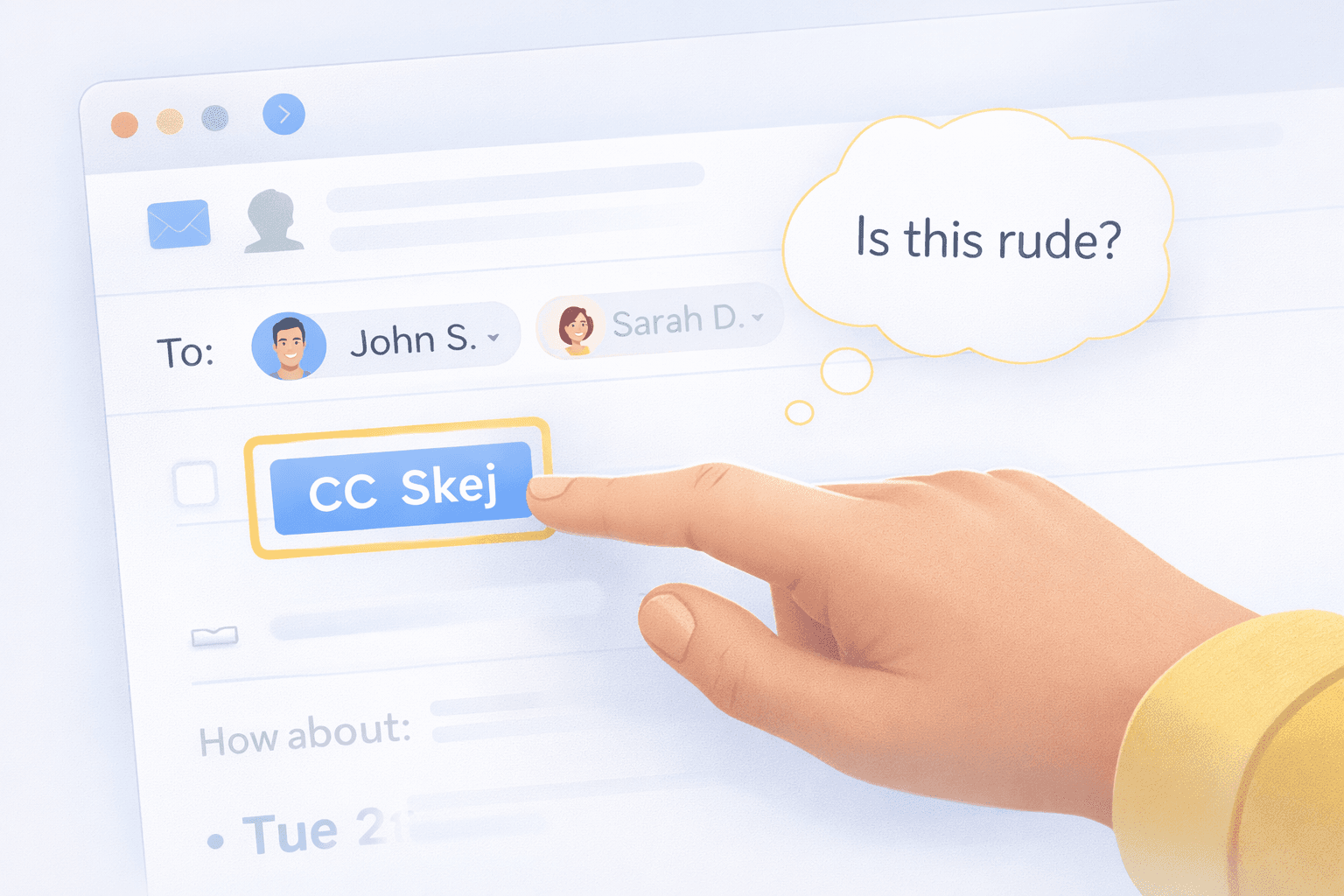
Is It Rude to Use an AI Scheduling Assistant?
The Etiquette of AI in Email
For years, scheduling meetings meant manually coordinating calendars through email.
Someone proposes a time. Someone else can’t make it. Another time is suggested. The process repeats until everyone agrees.
Now, AI scheduling assistants can handle much of that back-and-forth automatically. Instead of manually proposing times, an assistant can review calendars, suggest options, and send the final invite.
But as these tools become more common, a new question has started to appear:
Is it actually polite to use an AI assistant in email conversations?
Why Some People Feel Awkward Using AI Assistants
The hesitation usually comes from one concern: people don’t want to seem impersonal.
Email is still a very human communication channel. When you include an assistant in a conversation, it can feel like you’re delegating the interaction rather than handling it directly.
But in reality, assistants have always played this role.
Executives have used human assistants to schedule meetings for decades. Sales teams often rely on coordinators to manage calendars. The difference today is simply that the assistant happens to be software.
Most People Care About the Outcome, Not the Tool
When someone is trying to schedule a meeting, what they usually care about most is that the process is quick and clear.
Few people enjoy long email chains negotiating availability. If anything, most people appreciate when scheduling is handled efficiently.
An assistant that proposes times clearly and confirms the meeting quickly often makes the interaction smoother for everyone involved.
Transparency Matters
One important aspect of etiquette is being clear about what’s happening.
A simple introduction when adding an assistant to the thread helps participants understand that they’re interacting with an assistant. Whether or not it's mentioned that assistant happens to be AI is up to the user.
This simple introduction removes confusion and sets the expectation that the assistant will help coordinate the meeting.
When done well, it mirrors how a human executive assistant might join a conversation to help schedule.
When Using an Assistant Makes the Most Sense
AI scheduling assistants tend to work best in situations like:
- Coordinating meetings with several participants
- Scheduling external customer or partner calls
- Managing a high volume of meetings
- Handling complex availability across time zones
- Time sensitive meetings where you need to get something booked as soon as possible
In these cases, the assistant helps remove the administrative burden from the conversation, answers quickly, and gets meetings on the calendar.
When You Might Still Schedule Manually
Of course, not every meeting requires automation.
For quick internal chats or casual conversations, manually suggesting a time may still be perfectly fine and expected. But as soon as a back and forth starts emerging, just add the assistant.
Like many tools, AI assistants are most useful when the coordination becomes complex or repetitive.
A Natural Evolution of Scheduling
As AI assistants become more common in the workplace, using them to coordinate meetings will likely feel as normal as using calendar invites or booking links.
The goal isn’t to replace human communication. It’s simply to remove the administrative friction that often surrounds scheduling.
In the end, good etiquette usually comes down to one thing: make scheduling easier for everyone involved.
If an assistant helps do that, most people will appreciate it.
Tools like Skej are designed to make that process feel natural inside email. When introduced clearly in a conversation, the assistant simply helps coordinate availability and finalize the meeting, allowing everyone else to focus on the discussion rather than the logistics.
Make scheduling easier with Skej
Skej handles the back-and-forth while you focus on what's important.
Start Scheduling for FreeFree trial · No credit card required