
Why “What Time Works for You?” Is a Terrible Way to Schedule Meetings
It’s one of the most common questions in professional email:
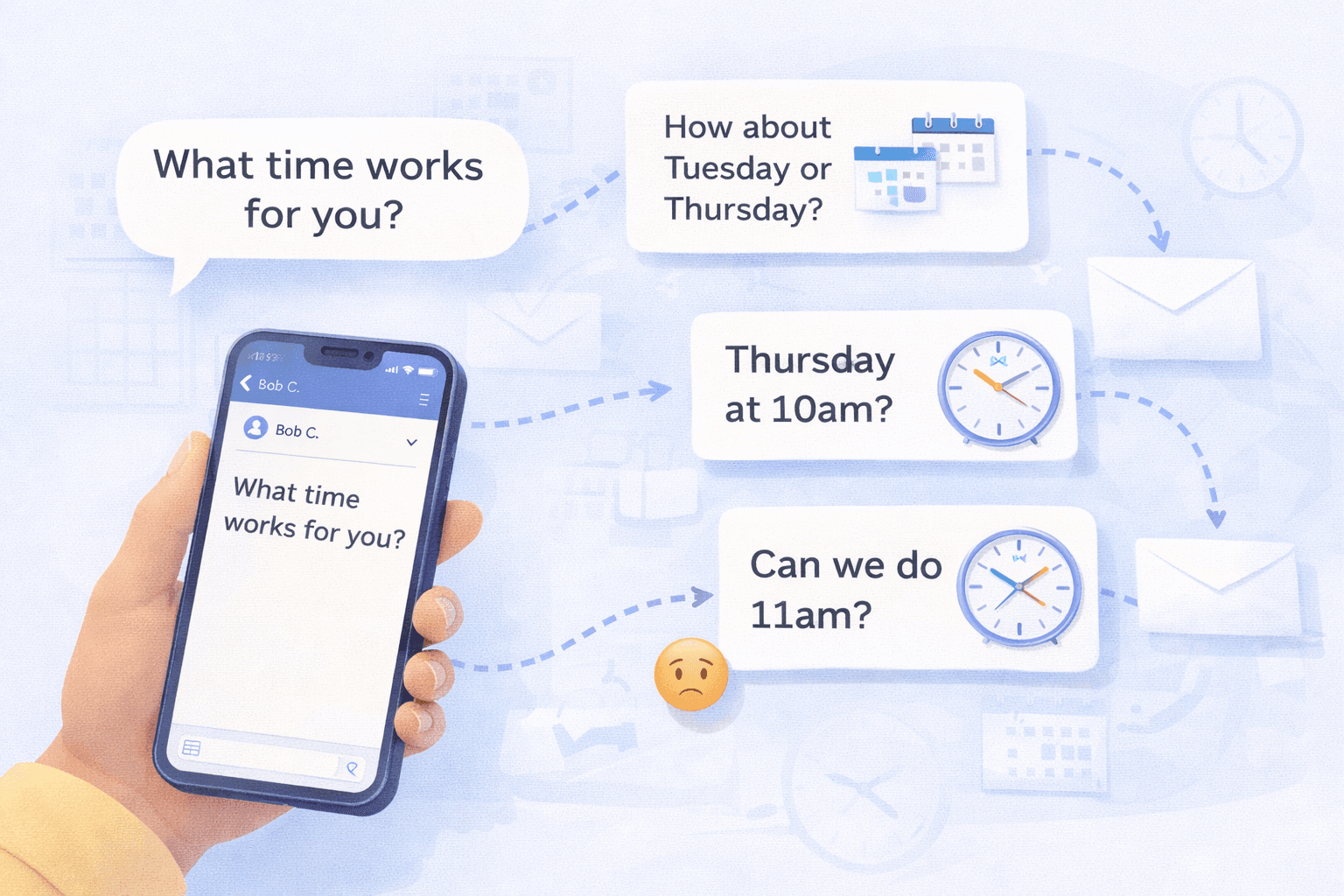
“What time works for you?”
It sounds polite. Flexible. Easy.
But in practice, it’s one of the least efficient ways to schedule a meeting.
Instead of solving the scheduling problem, the question often starts a long chain of back-and-forth messages trying to find a time that works for everyone.
The Endless Email Loop
A typical scheduling conversation might look something like this:
Person A:
“Would love to connect. What time works for you?”
Person B:
“I’m free Tuesday afternoon or Thursday morning.”
Person A:
“Thursday morning could work. How about 10?”
Person B:
“I actually have something at 10. Maybe 11?”
Person A:
“11 might work, let me double check.”
Person B:
“Sure.”
What started as a simple request quickly turns into multiple emails, calendar checks, and small adjustments.
Multiply this across dozens of meetings each week, and scheduling alone can take a surprising amount of time.
The Problem With Open-Ended Scheduling
The phrase “What time works for you?” creates a few hidden problems.
First, it pushes the coordination work onto the other person. They now have to open their calendar, scan availability, and propose options.
Second, it often leads to vague answers like:
- “Sometime next week”
- “Afternoons are usually good”
- “Pretty flexible”
Which then requires even more follow-up messages to narrow down an actual time.
Finally, it doesn’t scale well when more than two people are involved. Each additional participant introduces another calendar and another set of preferences.
Scheduling Becomes Negotiation
Once multiple participants are involved, scheduling stops being a simple question and starts becoming a negotiation.
Someone has an early meeting.
Someone else has to pick up their kids.
Another participant is in a different time zone.
Without a clear view of everyone’s availability, the conversation can drag on longer than the meeting itself.
The Better Approach: Suggest Specific Times
A more efficient way to schedule meetings is to propose a few specific options.
For example:
“Would Tuesday at 2pm, Wednesday at 11am, or Thursday at 9:30am work?”
This dramatically reduces the number of emails required to find a time.
But even this approach still requires someone to manually check calendars and coordinate responses.
Letting an AI Assistant Handle the Coordination
This is where scheduling assistants can help.
Instead of people manually proposing times and checking calendars, an AI assistant can review availability across participants and suggest meeting times automatically.
For example, an assistant like Skej can analyze calendars, propose a few options that work for everyone, and handle the responses inside the email thread.
Once a time is confirmed, the assistant simply sends the calendar invite.
The conversation stays focused on the meeting itself rather than the logistics of coordinating schedules.
Making Scheduling Less Frustrating
Scheduling meetings will probably never be anyone’s favorite part of the workday.
But removing the back-and-forth negotiation can make the process much smoother.
Instead of asking “What time works for you?” and starting a long email chain, teams are increasingly relying on assistants to coordinate availability and finalize the meeting automatically.
It’s a small change that can save a surprising amount of time.
Make scheduling easier with Skej
Skej handles the back-and-forth while you focus on what's important.
Start Scheduling for FreeFree trial · No credit card required