
Autobook is a feature that can be used between Skej users to instantly book meetings based on all attendees' existing preferences and calendar availability without any back and forth.
The best way to take advantage of Autobook is by inviting your coworkers and close contacts to use Skej! You can invite them to join here and make scheduling instant and easy.
1. What is Autobook?
When everyone in a meeting uses Skej, Skej knows everyone's availability and preferences and can automatically find mutual availability to book the meeting.
2. Autobook With Internal Contacts
With internal contacts, like your team, Skej will instantly book meetings when asked. Autobook works with any number of people, as long as they're all on your team and signed up with Skej, which makes it especially useful for meetings where you want to get a lot of people in with minimal effort.
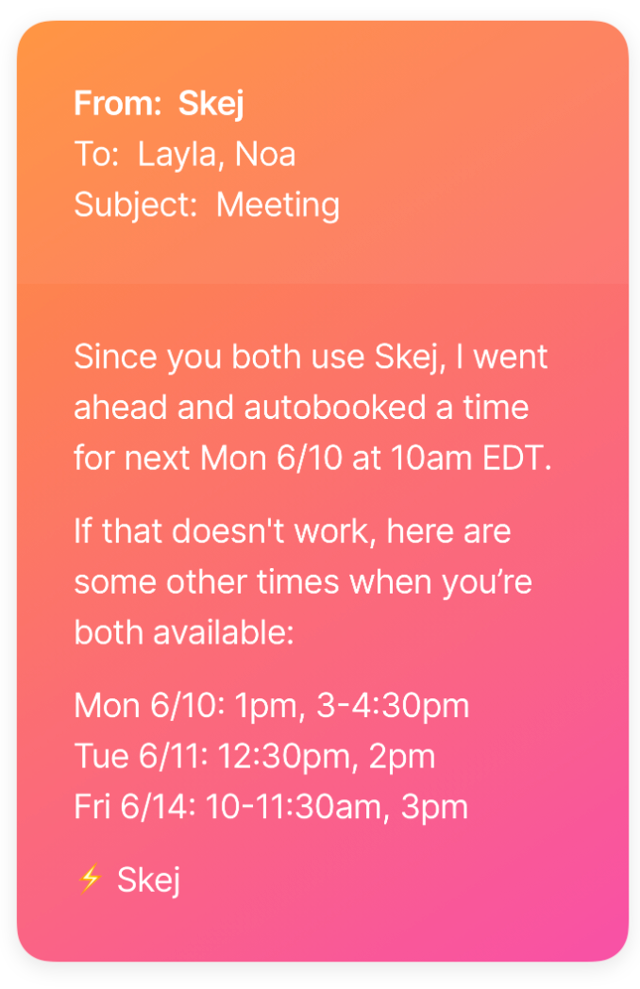
3. Autobook With External Contacts
With external contacts, Autobook works a bit differently. It may not be desirable for Skej to instantly book meetings, especially if you don't know that the other person is a Skej user.
So if you and your contact are both Skej users, Skej will propose times that work for both of you. Then your contact can confirm which time works best for them. It still eliminates the back and forth, but without making it awkward.
4. “Connect Your Calendar”
To encourage non-Skej users to instantly book meetings instead of going back and forth, Skej includes a link to “connect your calendar” when proposing meeting times to non-Skej users. If that person chooses to connect their calendar, Skej will reply again with times that work for everyone.
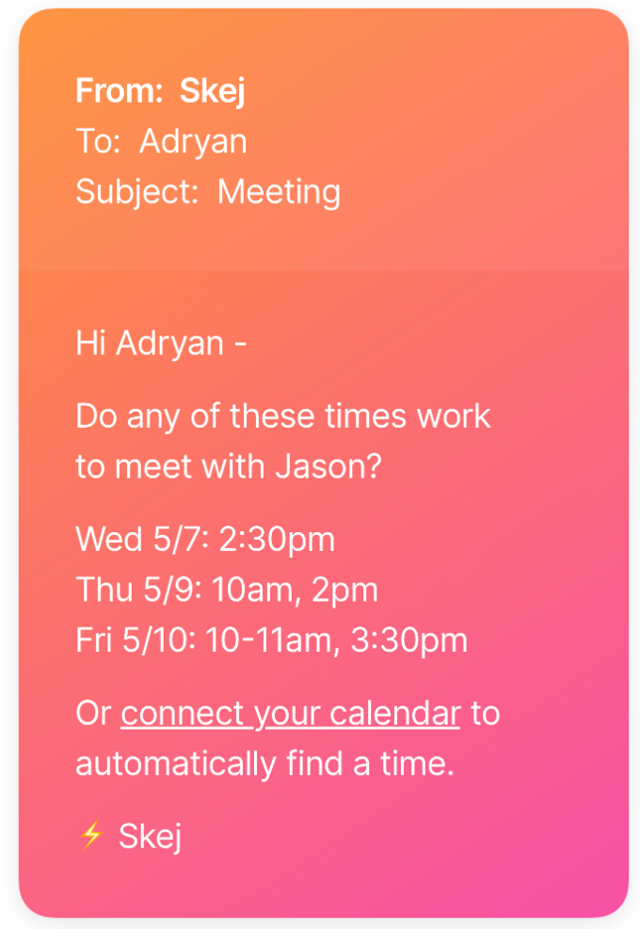
5. Partial Autobook
If you're scheduling a meeting with a mixed group of Skej users and non-users, Skej will first find available times that work for all the Skej users, and then suggest those times to the non-Skej users. This is a great tool when you and a teammate are meeting with an external contact. Skej checks both your calendars so you don't have to.